
Update log
Full Squad update
The complete published notes, normalized for clean reading and source attribution.
Extracted changes
- Server
- Maps
- Gameplay
- Store
- Security
- Performance
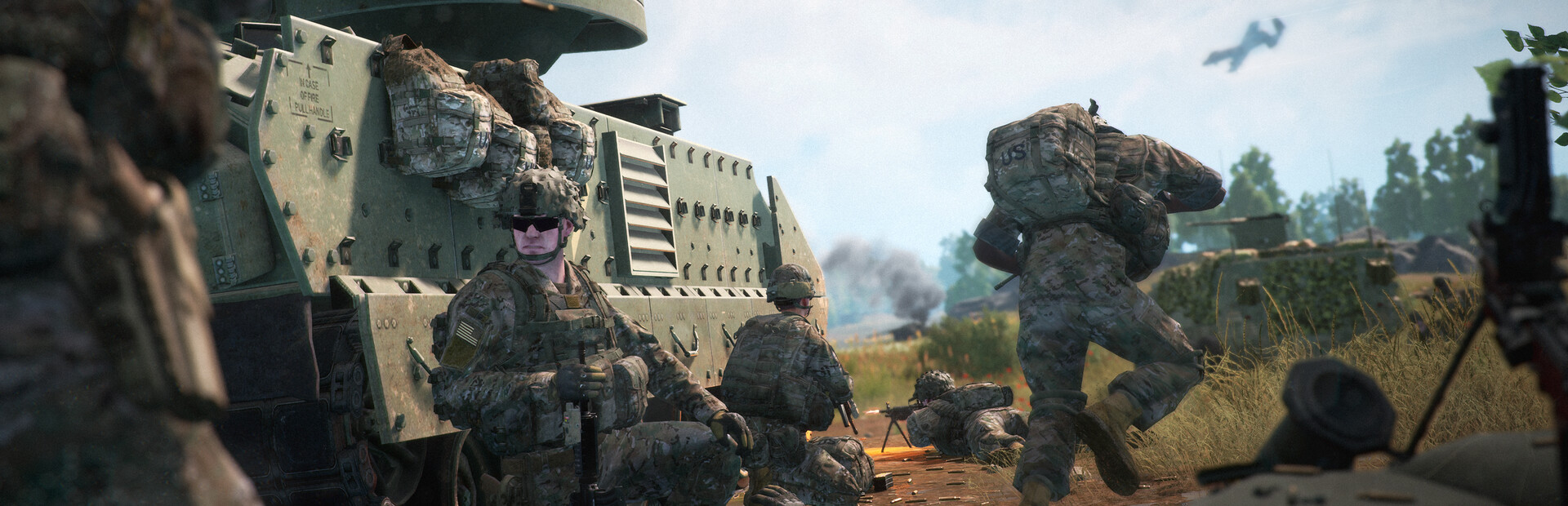
Welcome to Update 9.0's Frequently Asked Questions! We've put together answers from the dev team to some of the most frequently asked questions we've started to see coming from the community. If you missed it, we released Update 9.0 this past week, moving from Unreal Engine 4 (UE4) to Unreal Engine 5 (UE5), with a whole list of changes to Squad. You can read all of the patch notes here.
Note that the below does not encapsulate every question we've seen bubbling up from the community—some require more input from other members of the dev team, and some are still being investigated. We will continue to update this FAQ in the coming weeks, as Update 9.0 is a major, major update to Squad.
If you have further questions, hop onto our Discord and provide feedback and bug reports! You can join the Squad Community server here.
Now, without further ado, let's get started with Update 9.0's FAQ!
What steps do I need to take before loading up the update?
Make sure you update your graphics driver to the latest version.
Make sure you update Windows to the latest version.
Please clear your cache if you are updating from the UE4 version of Squad to the UE5 update.
How do I clear the cache?
We highly recommend that all users updating from the UE4 version of the game to UE5 to clear their cache.
To fully clear Squad’s game cache outside of the game, locate INSTALLDRIVE:\\Users\\ USERNAME \\AppData\\Local\\SquadGame and delete the ‘Saved’ folder.
I have issues launching the game (or with an infinite load issue). What are some steps I can take to help resolve these issues?
Please remove all mods before launching this update for the first time. Some Squad mods have yet to be updated and released for UE5, and if they are still pointing to the UE4 versions, the game will not load.
Does my hardware meet the minimum requirements for this update?
Please refer to the updated specs for Update 9.0 on the store page here.
What is the minimum VRAM required to play Squad?
The minimum required GPU to play Squad is a GTX 1060 or RX 580 with at least 6GB of VRAM.
Does the UE5 / 9.0 Update support Linux?
Squad doesn’t have a native Linux build, but can be played through Proton. The challenge with Proton is anti-cheat. EAC has Linux support, and we do our best to integrate the latest updates as needed. Sometimes, we miss a step there as we don’t usually test on Linux clients, so we appreciate the Linux gaming community reporting any issues. The best place to provide feedback and bug reports is on the Squad Community Discord.
Does the UE5 / 9.0 Update support DX11?
No, DX11 is no longer supported in Update 9.0 and onwards because it does not support Shader Model 6, which our new rendering features rely on.
Should I use the same graphics settings I used in UE4 Squad in UE5?
Several settings categories have been added, removed or changed with Update 9.0. Almost all of them do things differently to some extent. Visually, “medium” settings in UE5 are better than “epic” was on UE4. The high and epic settings on UE5 are meant to fully utilize the power of modern GPU generations released in the last couple of years. They may be some performance issues with older hardware. The “defaults” button runs a benchmarking algorithm on your GPU to determine sensible
Source