
Update log
Full Serious Sam 3: BFE update
The complete published notes, normalized for clean reading and source attribution.
Extracted changes
- Gameplay
- Fixes
- Performance
- Workshop
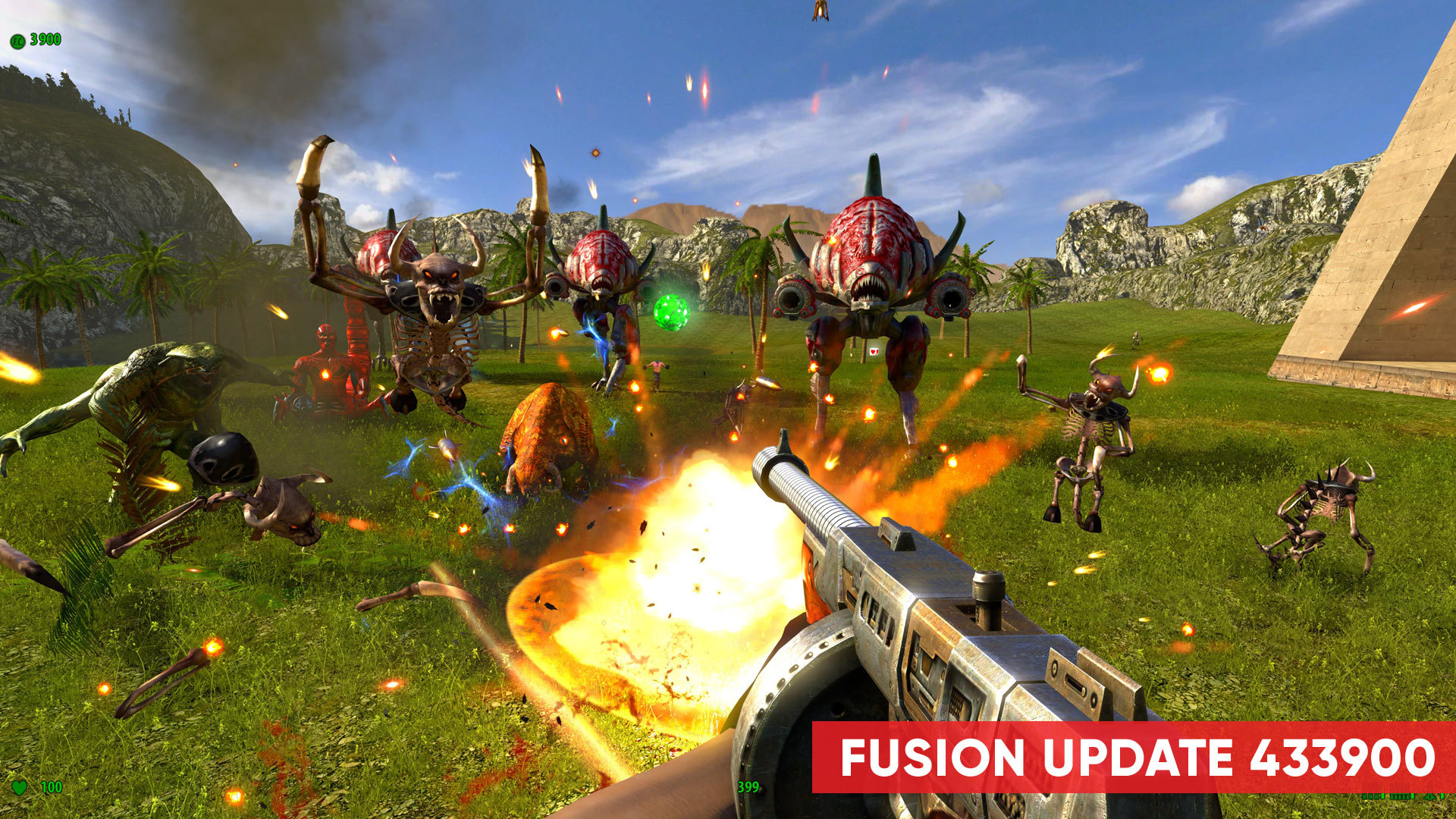
Hey everyone! It's that time of the year again, the time of Fusion updates. This time, we're bringing to you a relatively small update focusing mostly on bug fixes and tweaks, rather than new features, engines and other huge changes that were introduced several months ago. Guided by our community we have made huge progress in providing you with a stable, up-to-date Serious Sam experience, and Fusion is at its peak right now. It's THE way to play all supported Serious Sam games. The changelog is below:
fixed an issue where the player would stop moving after using the weapon wheel
added various missing translations
fixed some navigation issues in Karnak (TFE)
fixed an issue where the menu palette would not change in some cases after leaving multiplayer games
fixed an issue with the weapon wheel becoming unusable after finishing a level
fixed an issue with the text overlapping on certain screens
VR FPS counters will no longer be shown in non-VR games
fixed an issue with client aiming being off in 3rd person in multiplayer
newer Nvidia Quadro GPU's should no longer be marked as not compatible by mistake
rebaked visibility on all SSHD and Sam 3 levels
fixed an issue where the serious bomb would not disappear from the inventory upon finishing the level
fixed an issue where killing certain enemies would cause crashes in rare instances
the game no longer has issues starting-up on lower end dual-core CPU systems
the weapon wheel should now work when using custom button layouts on a gamepad
various other tweaks and performance/stability fixes
As ever, in case you are having issues with this update, you can roll back to the previous one:
locate the game in the Steam's "Library" panel
right click and invoke "Properties"
select the "Betas" tab
choose "previousversion"
Note – After downloading this patch, it is most likely that many custom maps will crash when played. The authors of these maps can fix this by rebaking the visibility on their maps and updating their workshop items. We apologize for the inconvenience. Player Feedback We value your input, and we want you to reach out to us with all feedback. For general thoughts and ideas, please use the General section of this message board. Should you encounter any issues or bugs, please report them on the Tech & Support subforum, along with your game log (located in the game installation folder) and a detailed description of the issue. Stay Serious! Danny, on behalf of Croteam.
Source