Panzer War : Definitive Edition
Steam News 25 February 20262mo ago

UI Rework Update & How to Switch Back to the Legacy UI

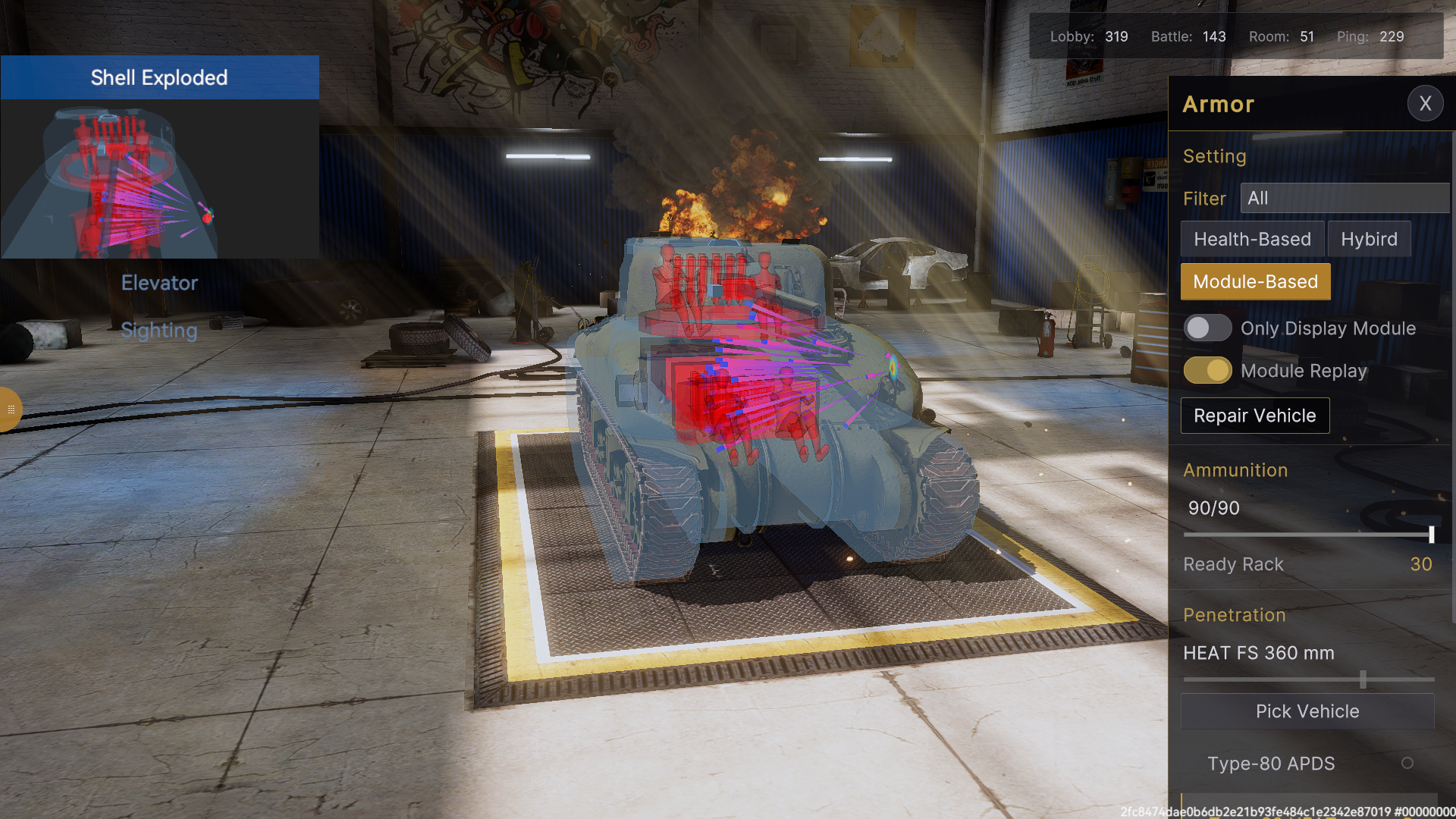
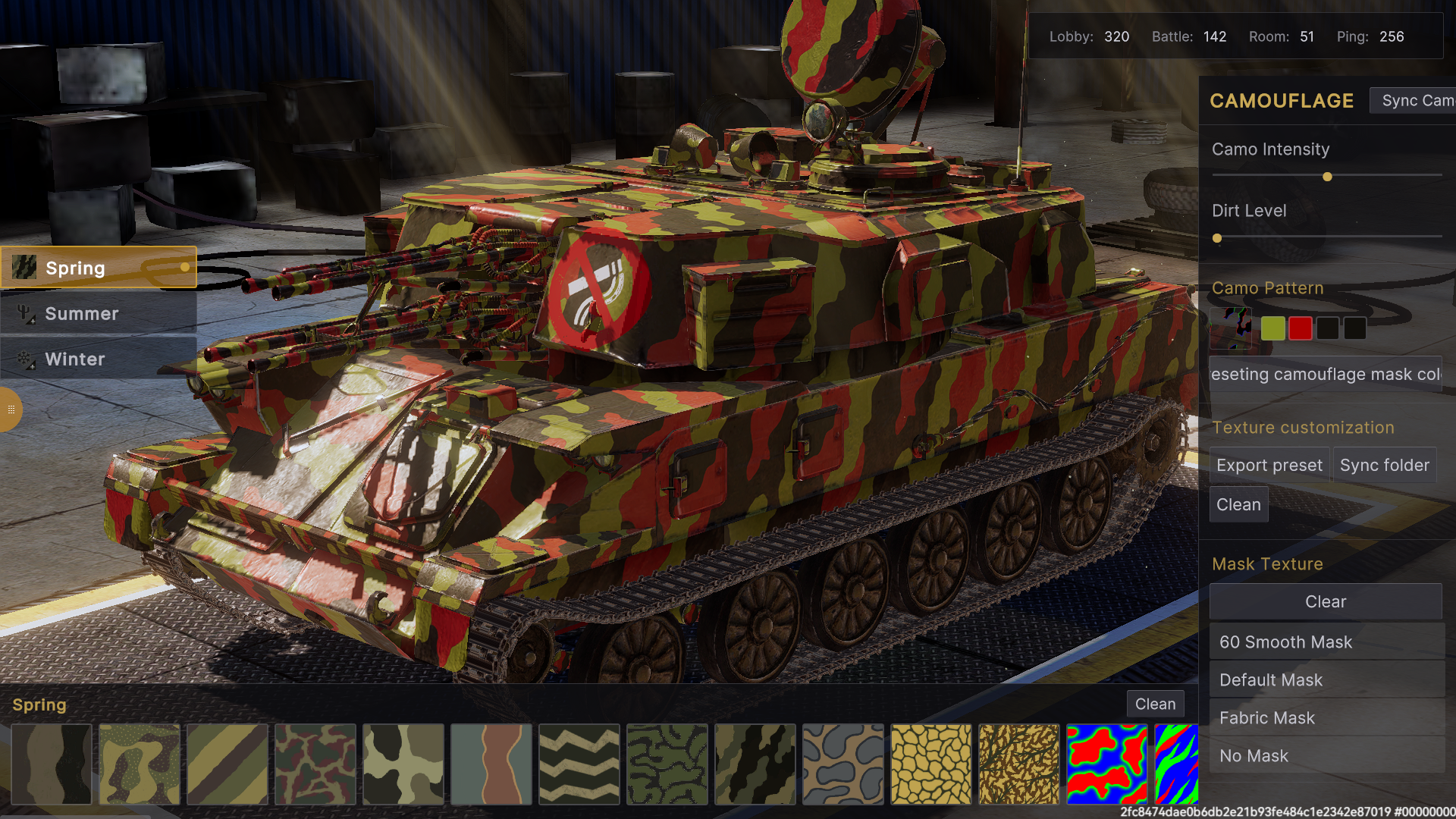
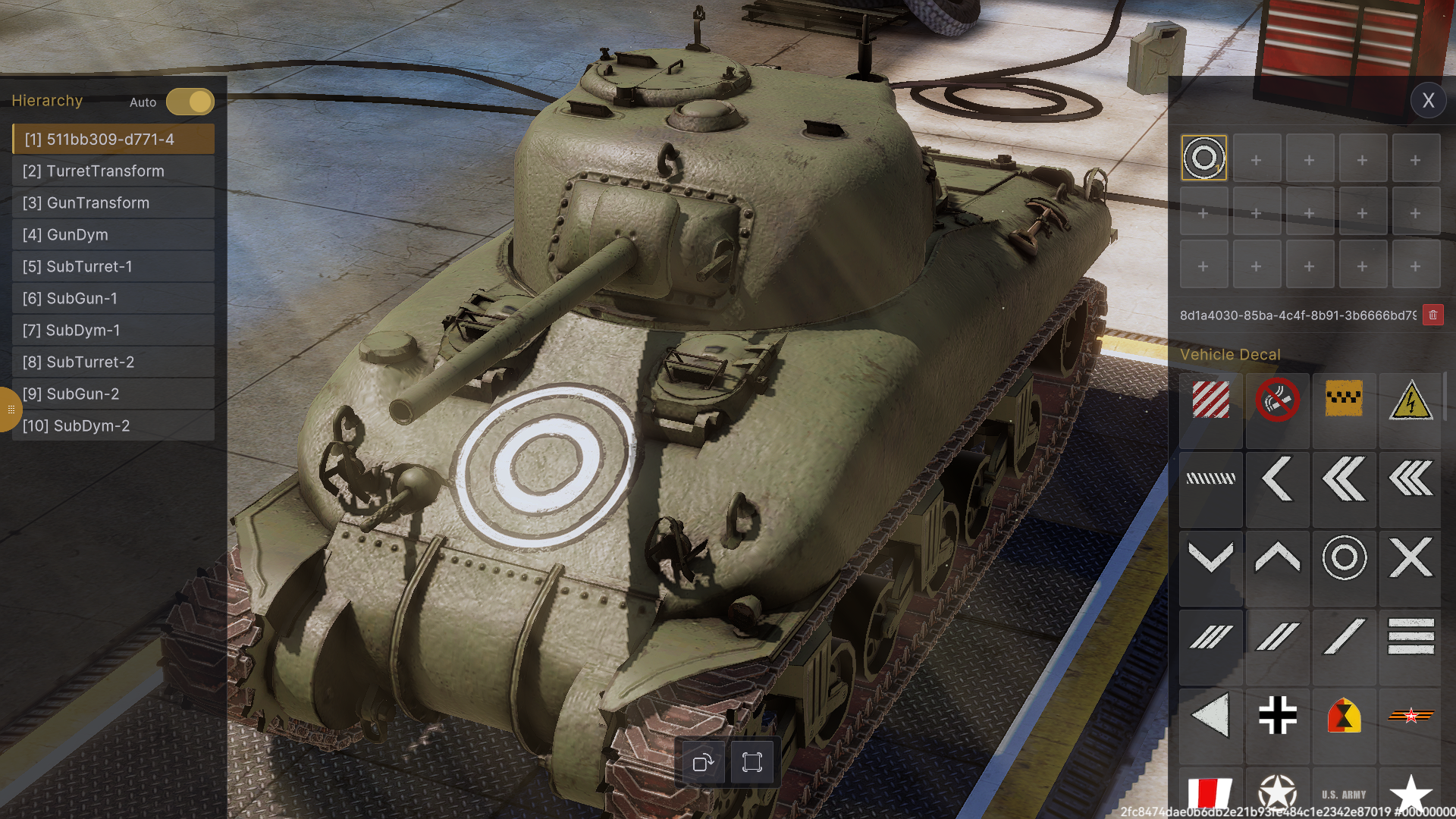
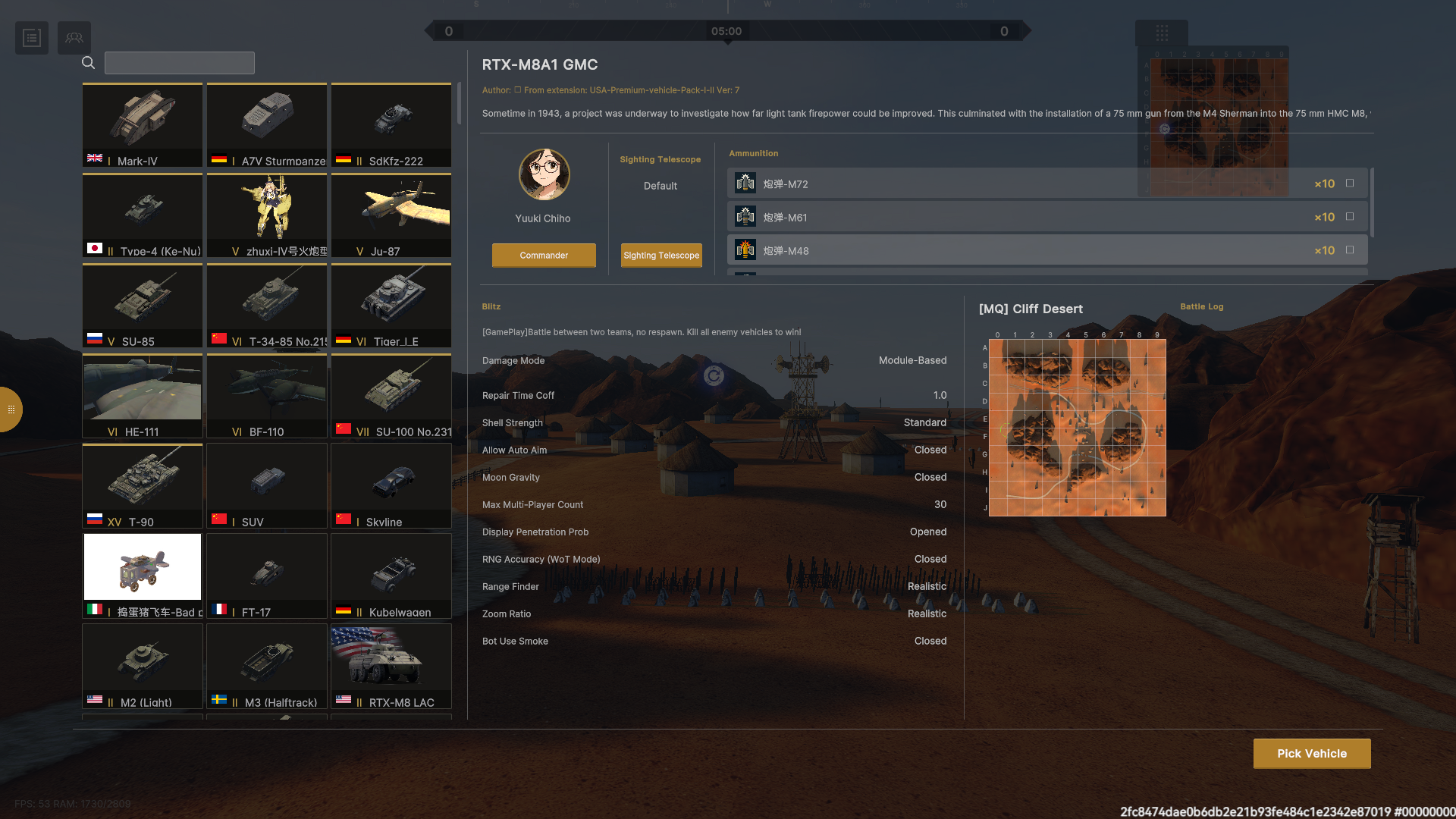
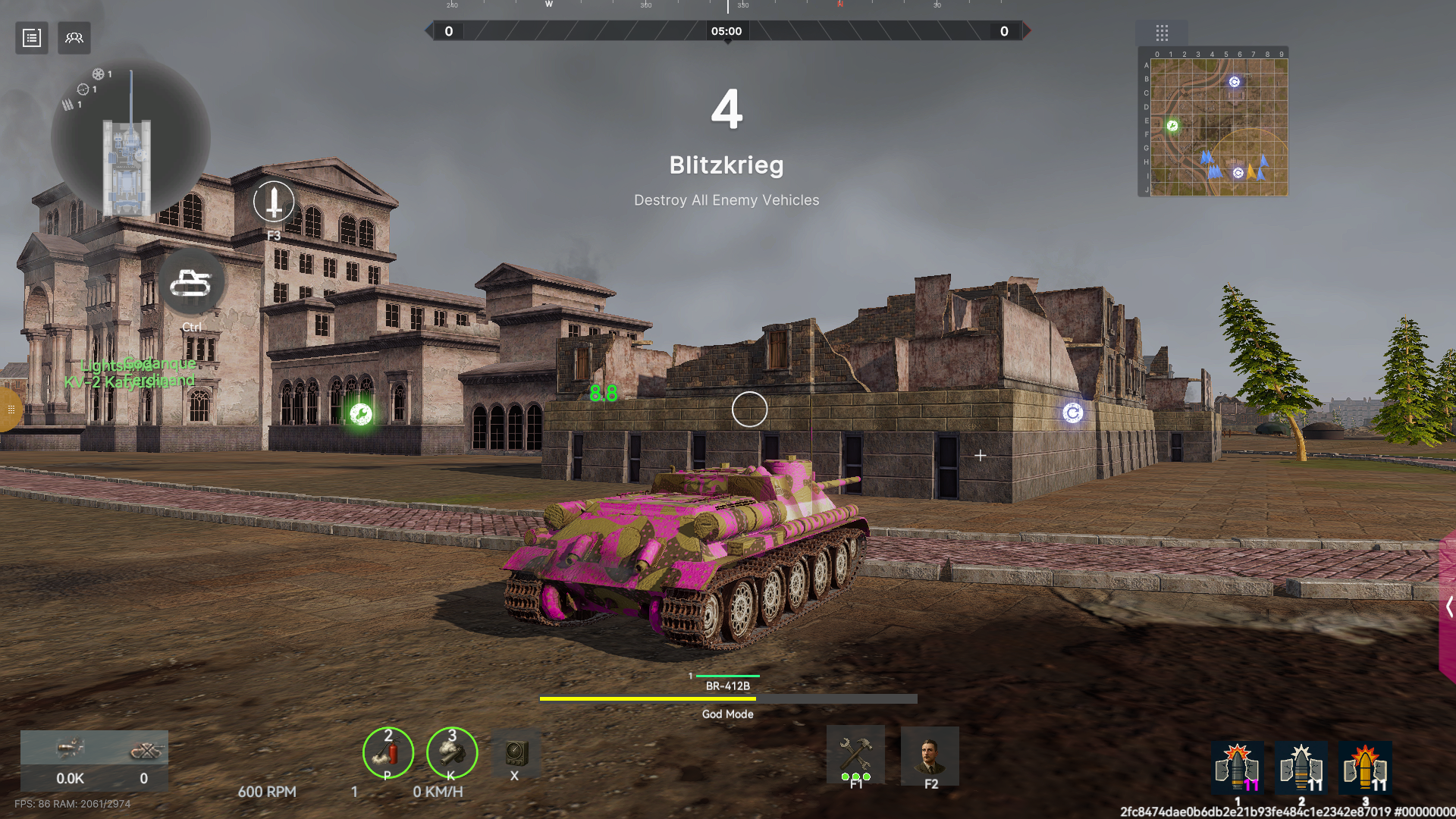
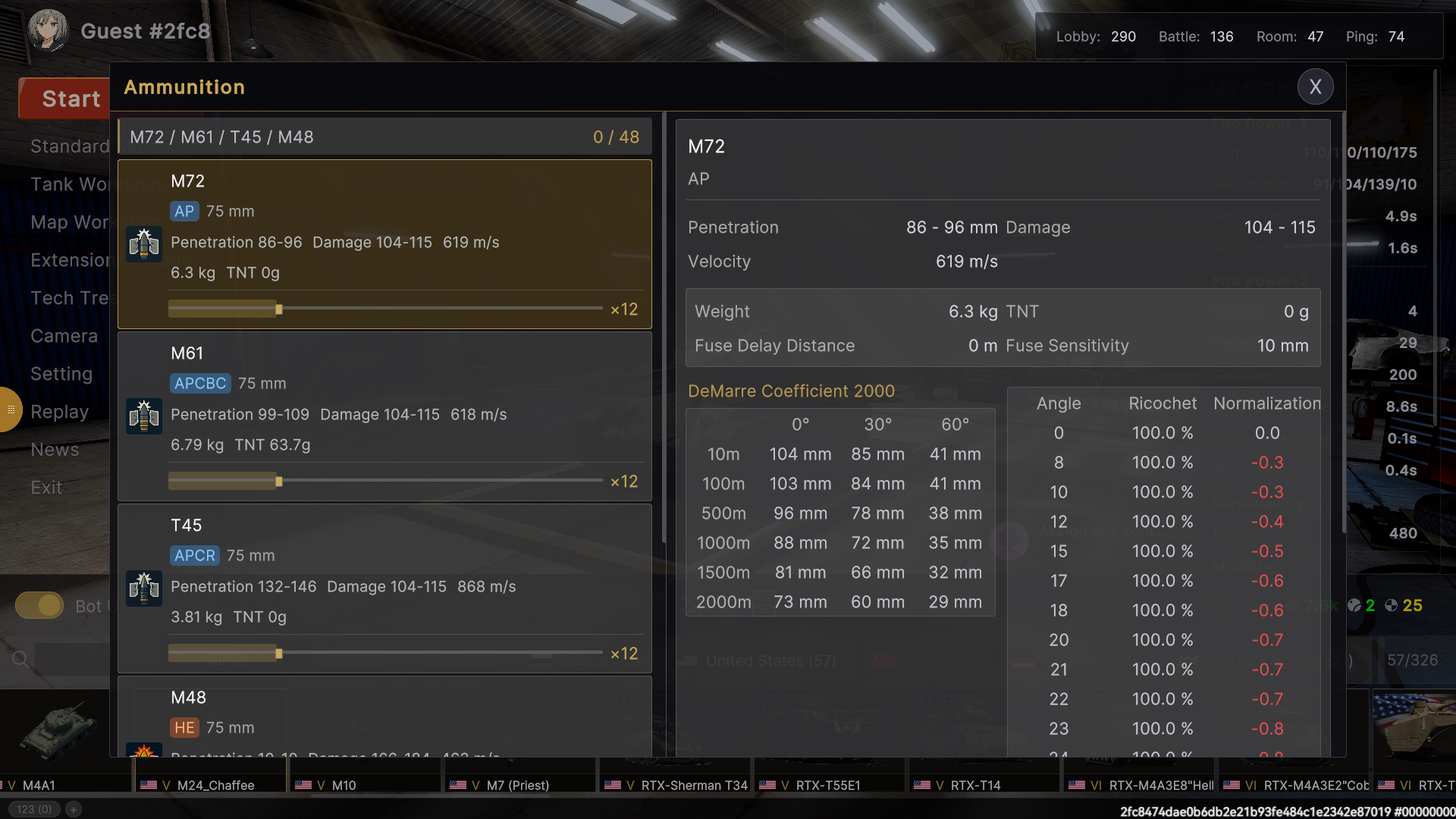
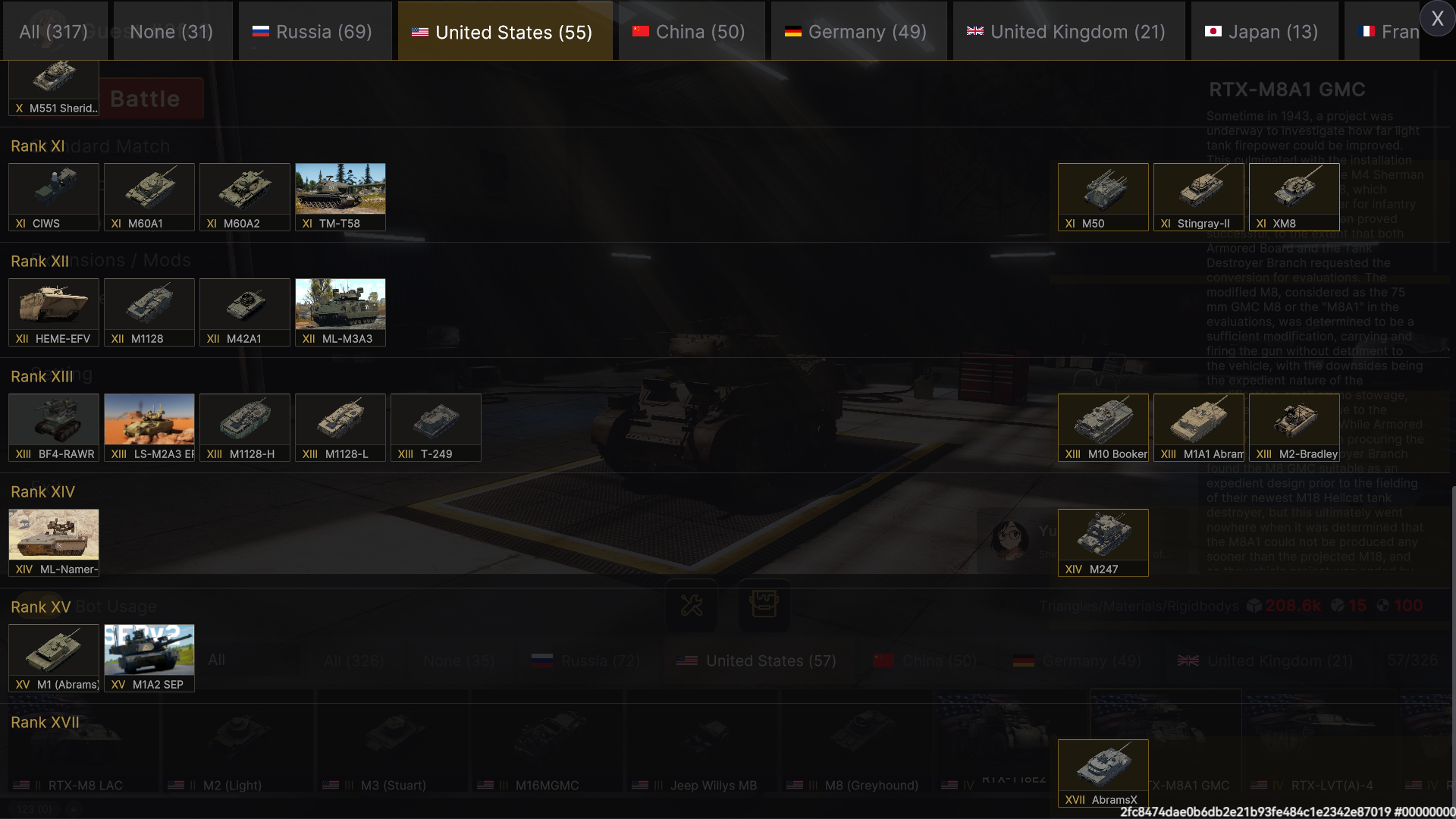
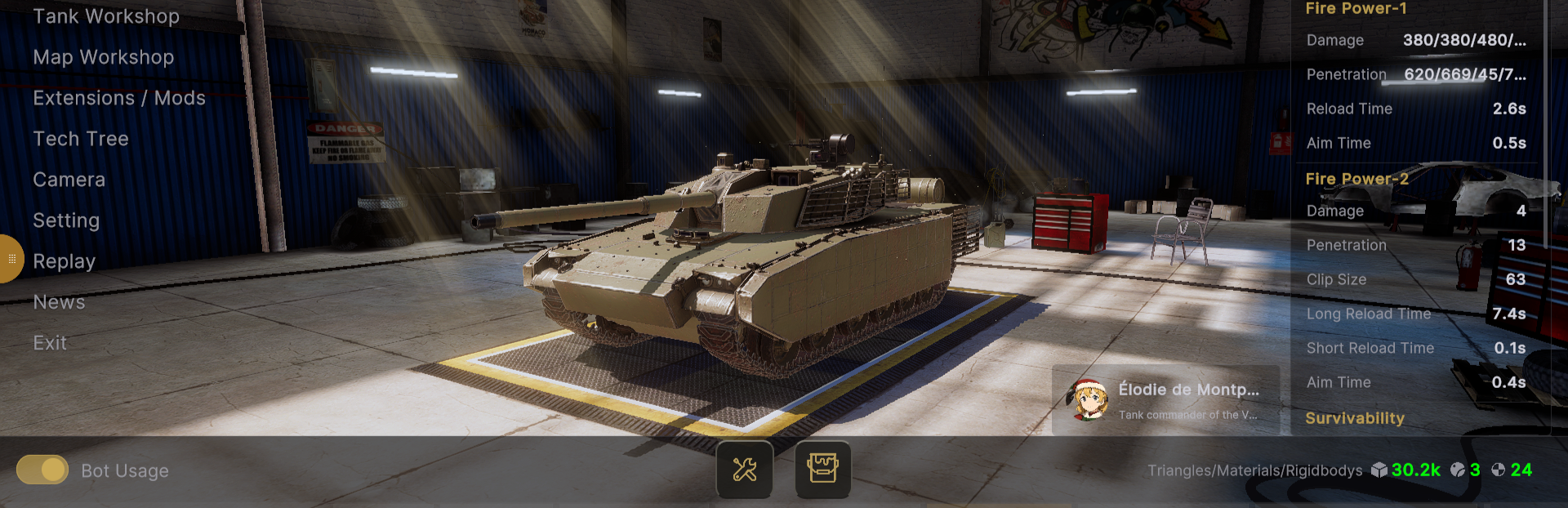
Commanders, In the latest update, we have begun a comprehensive UI redesign and restructuring to deliver a more streamlined, unified, and intuitive gameplay experience. This UI overhaul includes: A fully unified visual…

Update log

Full Panzer War : Definitive Edition update

The complete published notes, normalized for clean reading and source attribution.

Extracted changes

0 fixes1 addition5 changes0 removals
  • UI and audio
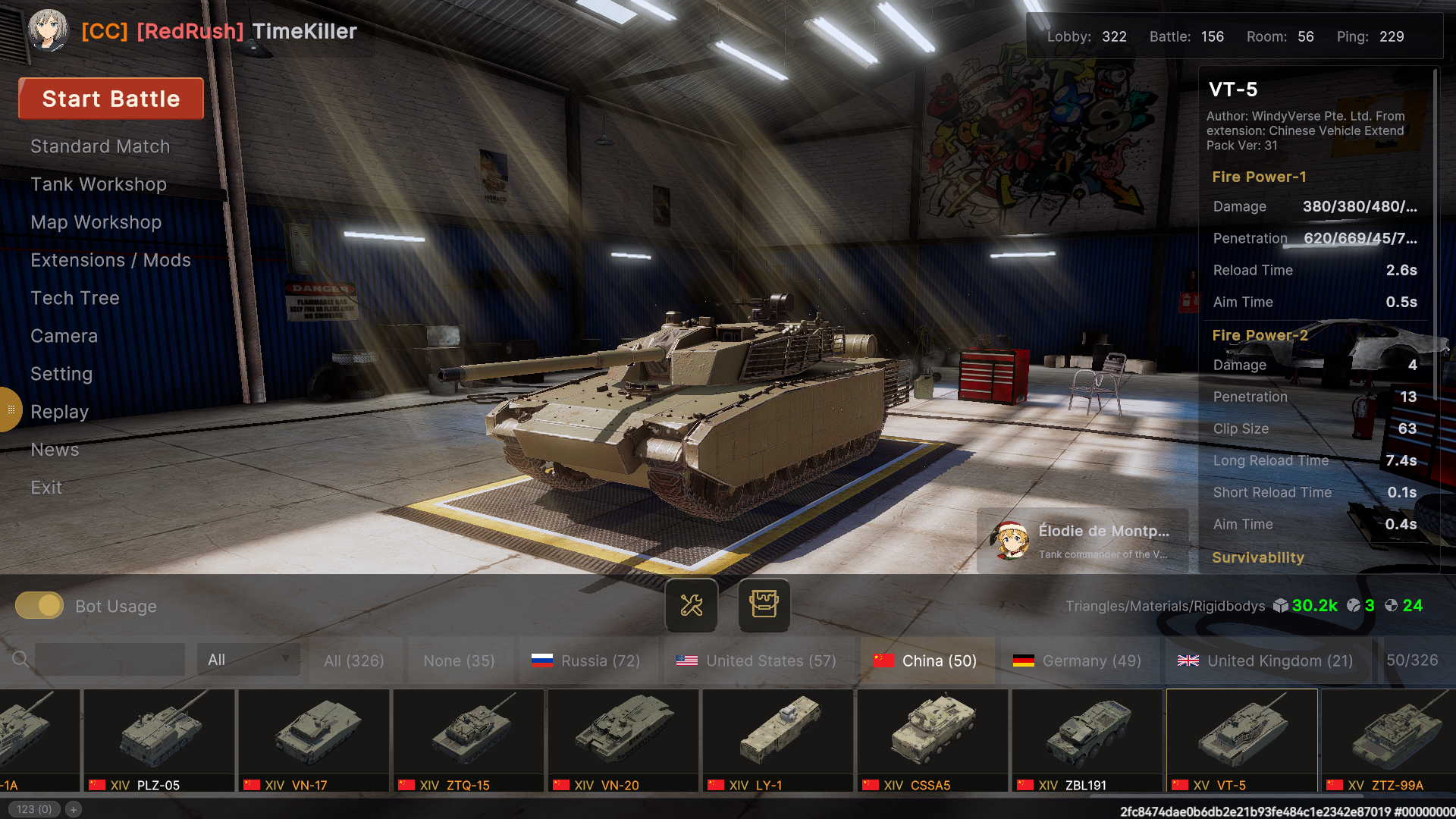
changedIn the latest update, we have begun a comprehensive UI redesign and restructuring to deliver a more streamlined, unified, and intuitive gameplay experience.
changedThis UI overhaul includes:
changedA fully unified visual style and refined details * Reorganized interface hierarchy and logic * Optimized navigation flow and reduced redundancy * Improved visual clarity and interaction efficiency
changedWe understand that major interface changes may take time to get used to. For players who prefer the previous interface, the legacy UI remains available as an optional branch.
changedTo switch back to the old UI version:
addedWe sincerely welcome your feedback. The new UI will continue to be refined based on community input.

Commanders,

In the latest update, we have begun a comprehensive UI redesign and restructuring to deliver a more streamlined, unified, and intuitive gameplay experience.

This UI overhaul includes:

  • A fully unified visual style and refined details * Reorganized interface hierarchy and logic * Optimized navigation flow and reduced redundancy * Improved visual clarity and interaction efficiency

We understand that major interface changes may take time to get used to. For players who prefer the previous interface, the legacy UI remains available as an optional branch.

To switch back to the old UI version:

  1. Right-click the game in your Steam Library

  2. Select **Properties**

  3. Go to the **Betas** tab

  4. Choose the legacy branch from the dropdown list

  5. Wait for Steam to complete the update

We sincerely welcome your feedback. The new UI will continue to be refined based on community input.

Thank you for your continued support!

— The Development Team
Steam post image
Steam post image
Steam post image
Steam post image
Steam post image
Steam post image
Steam post image
Steam post image

Source

Steam News / 25 February 2026

Open original