
Update log
Full Bobls update
The complete published notes, normalized for clean reading and source attribution.
Extracted changes
- Gameplay
- Server
- Store
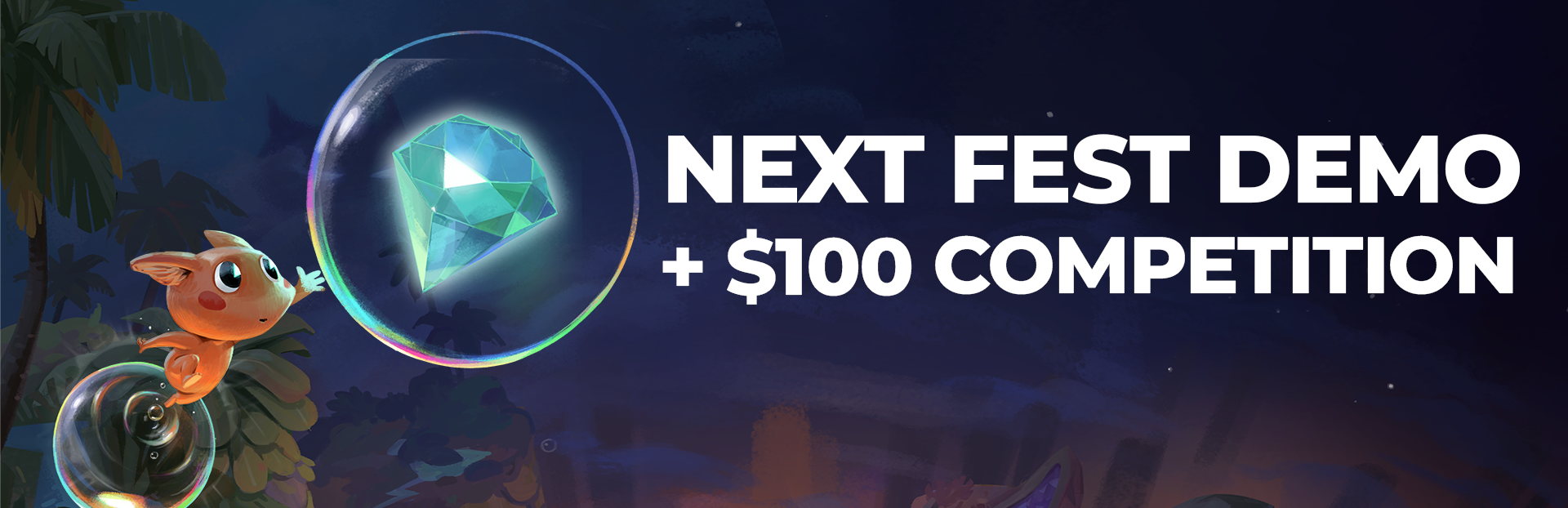
Bobls is part of Steam Next Fest, and we're celebrating with a new demo, a $100 Steam gift card level editor competition, and much more!🫧
After a successful playtest, the updated demo now features an improved level editor, a level selection screen, a speed-run timer for the solo + co-op campaign, and more.
Did you say prizes?
Yes! For the next 4 weeks, you'll be able to win prizes every week by creating levels and sharing them on the Bobls Discord server 😎
Each week, we'll play the submitted levels, and the 3 best levels will receive the following prizes:
1st place prize: A $25 Steam Gift Card + Figment 1 and 2 Steam keys
2nd place prize: Figment 1 and 2 Steam keys
3rd place prize: Figment 1 and 2 Steam keys
(each person can only win once per week, but can submit multiple levels)
So jump into the level editor demo today and start creating:
[dynamiclink href="https://store.steampowered.com/app/2459890/Bobls/"]
How do I share my levels?
After creating your level in the level editor, simply click "submit level" icon, and then click the code that appears to copy it. You can then share it on Discord and elsewhere.
What do you think about the new demo?
Even if you don't plan to create your own levels, we hope you'll join the Discord community to share your feedback, report bugs, and play the level screated by the community.
We've also just launched a Bobls Newsletter <-- check it out to stay up to date on all the behind the scenes + major announcements :)
Thanks for the continued support - we can't wait to show you what's next for Bobls 🫧
Source