
Update log
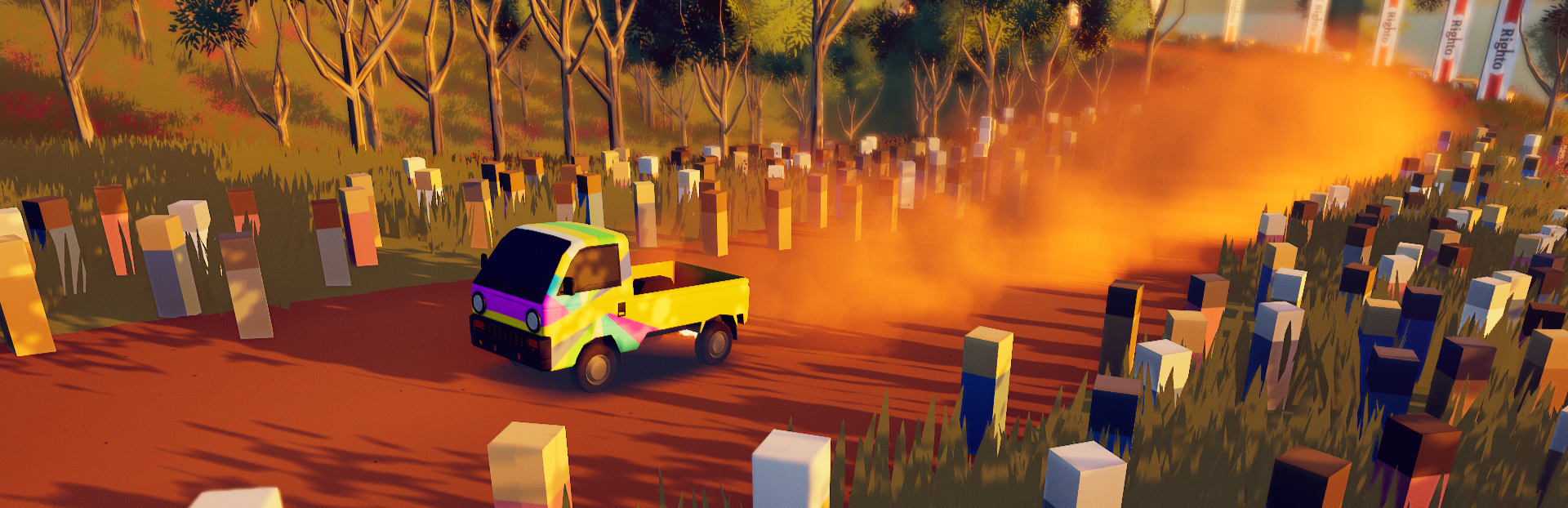
Full art of rally update
The complete published notes, normalized for clean reading and source attribution.
Extracted changes
- Fixes
- Workshop
- Compatibility

Main branch
Changelog
fixes
fixed unable to scroll down in custom rally stage selection in certain cases
fixed unable to scroll up in main menu in certain cases
das hammer v3 livery now loads correctly when the car is unlocked in career
Beta branch
We also released a build with improvements to controller support across the board on the Steam beta (beta-beta) branch. If your controller had issues previously, it's worth trying it with the new beta build. Especially in Linux and macOS.
To access the build: 1. right click in art of rally in your Library 2. select Properties 3. go to the Betas tab and then select the beta branch 4. wait for the update to finish 5. verify the installation.
You may need to try different Steam input settings in the Controller tab in art of rally's Library Properties and also in the Steam Controller Settings. Make sure to restart the game each time you change any Steam settings.
If you didn't have controller issues previously, but now have them with the beta branch build, please send the game logs to the team after you try the build. For instructions, see the pinned post How to Report a Bug: https://steamcommunity.com/app/550320/discussions/0/3844431603853496606/
Source